A little intelligence.
A world of possibility.
AI agents that remember, get things done, and feel like yours. On your computer. On your terms.
macOS, Windows & Linux/No Jian subscription
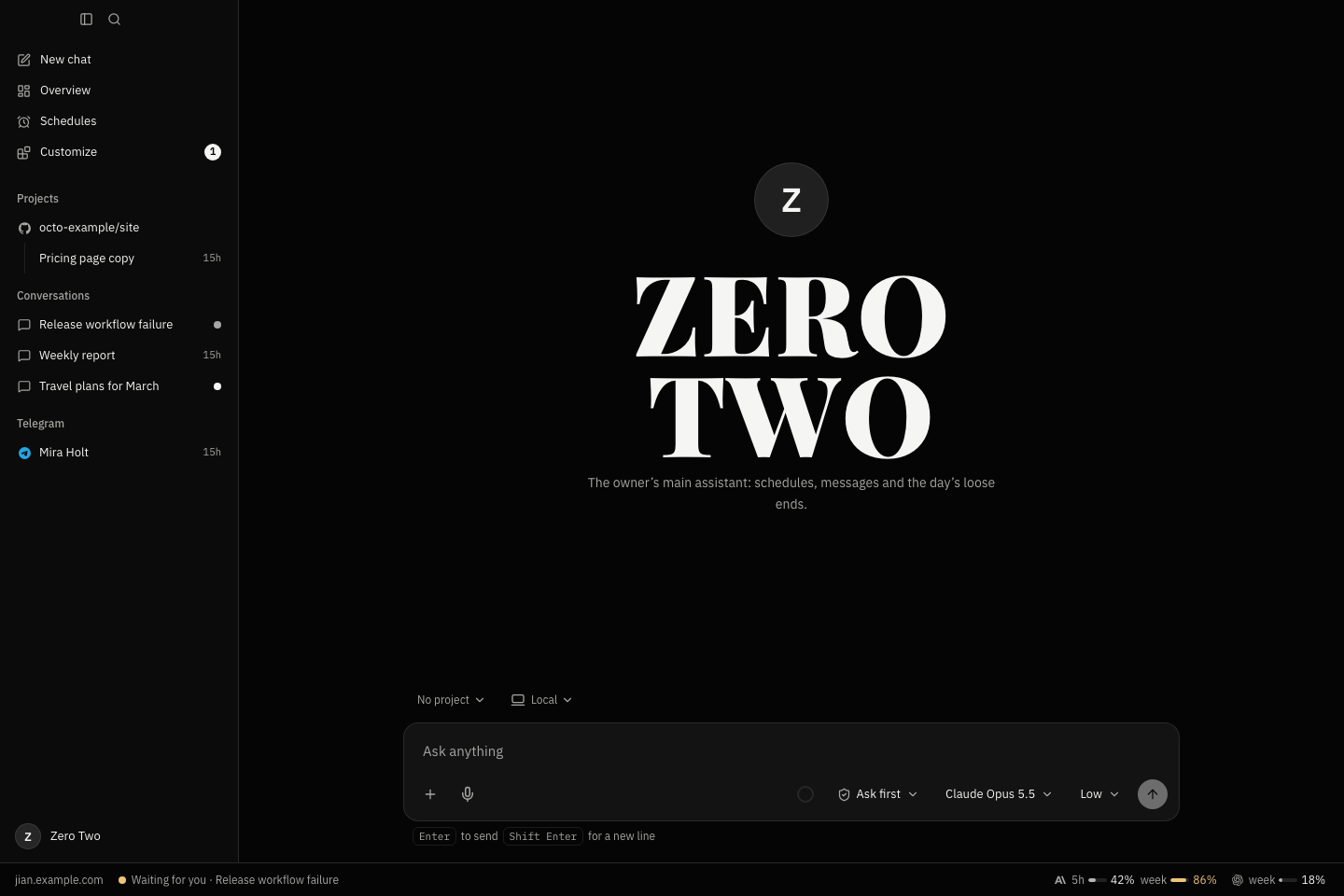
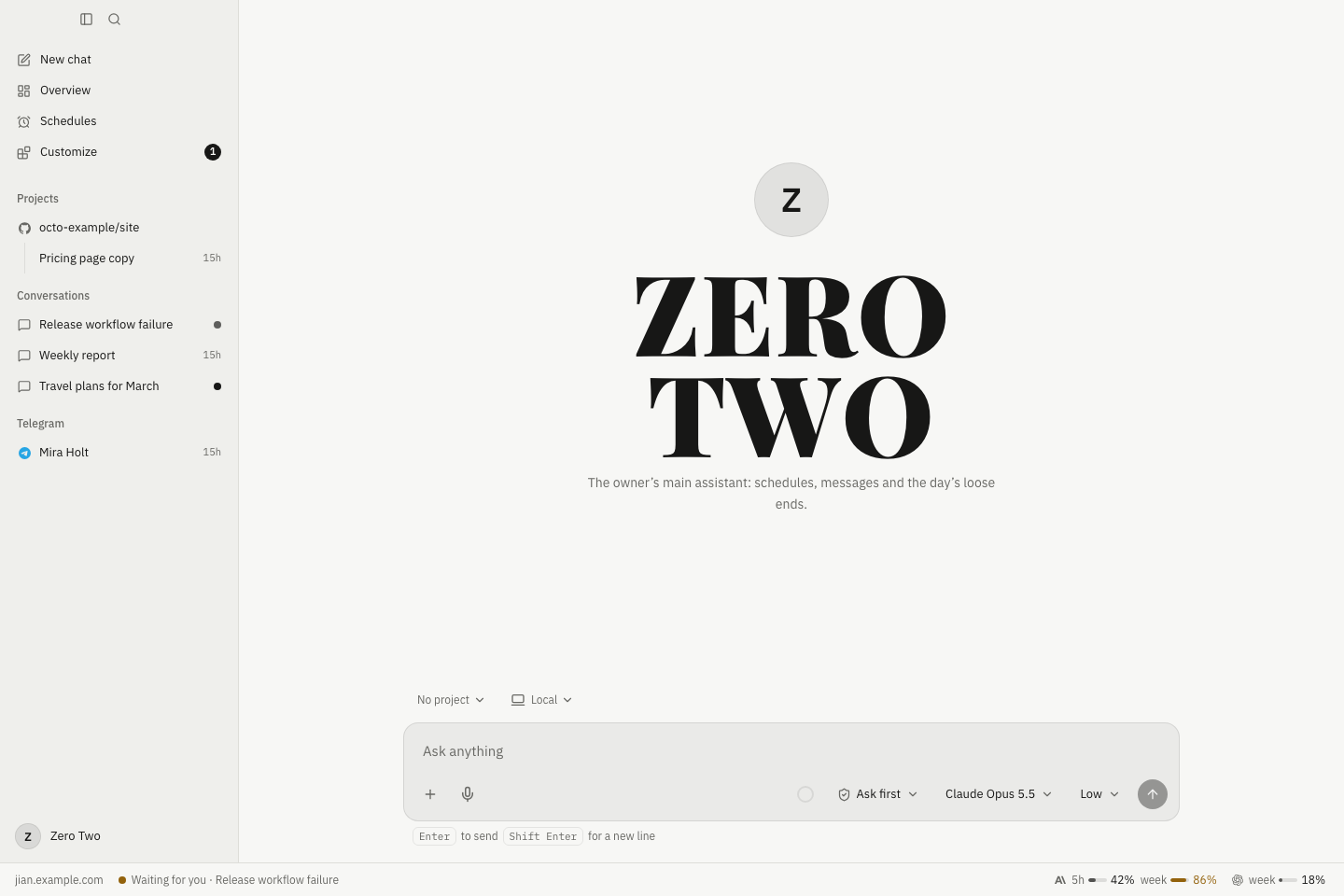
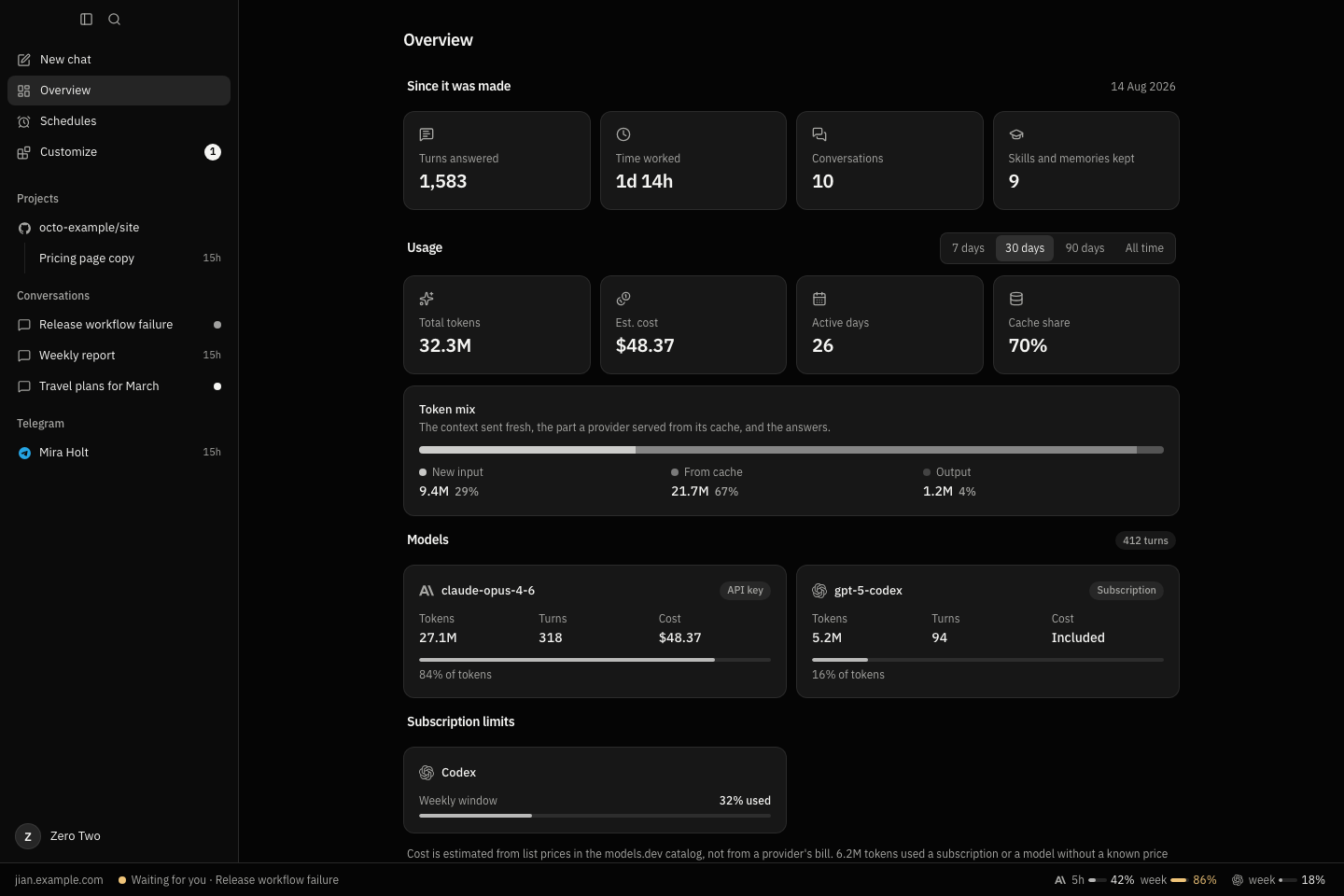
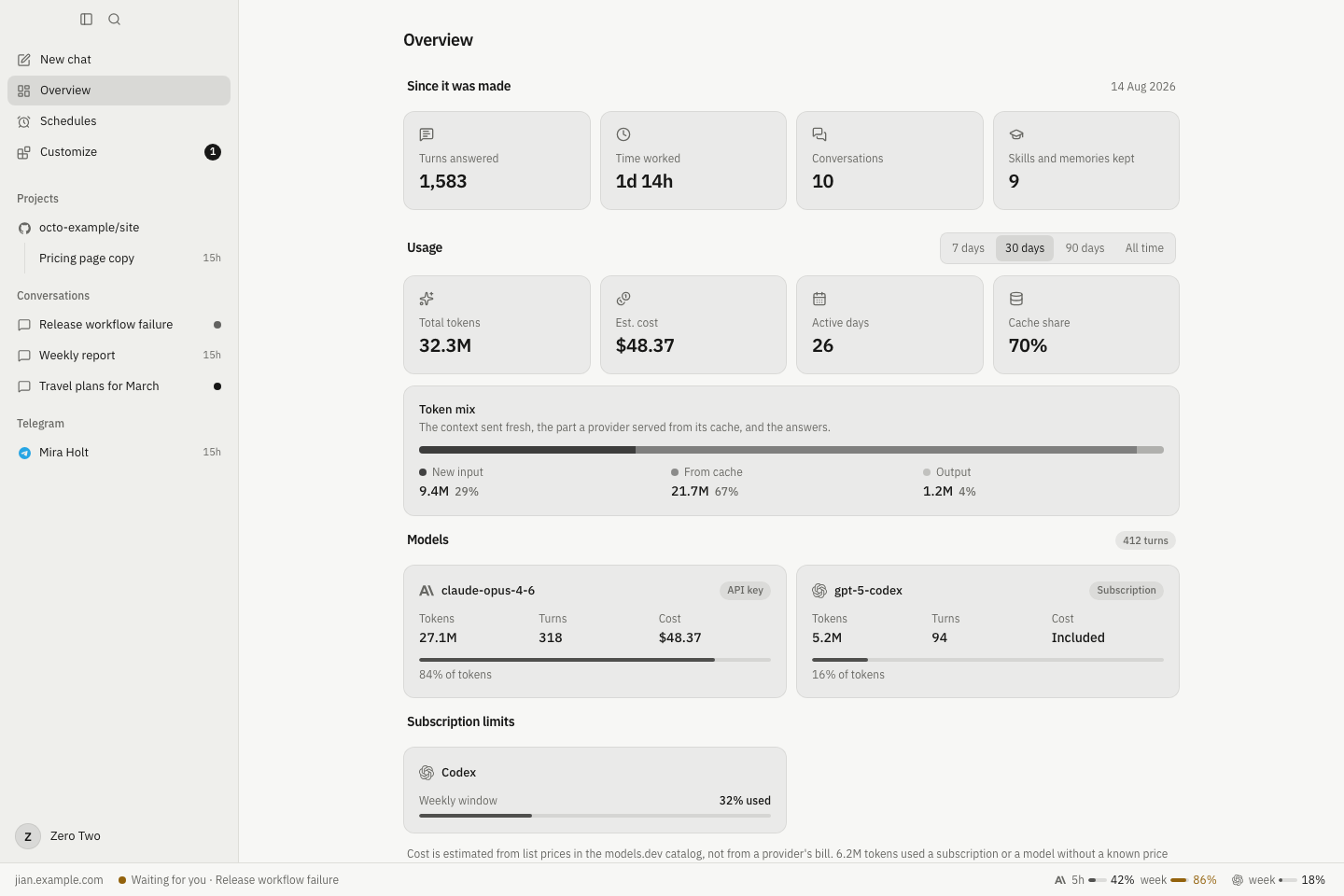
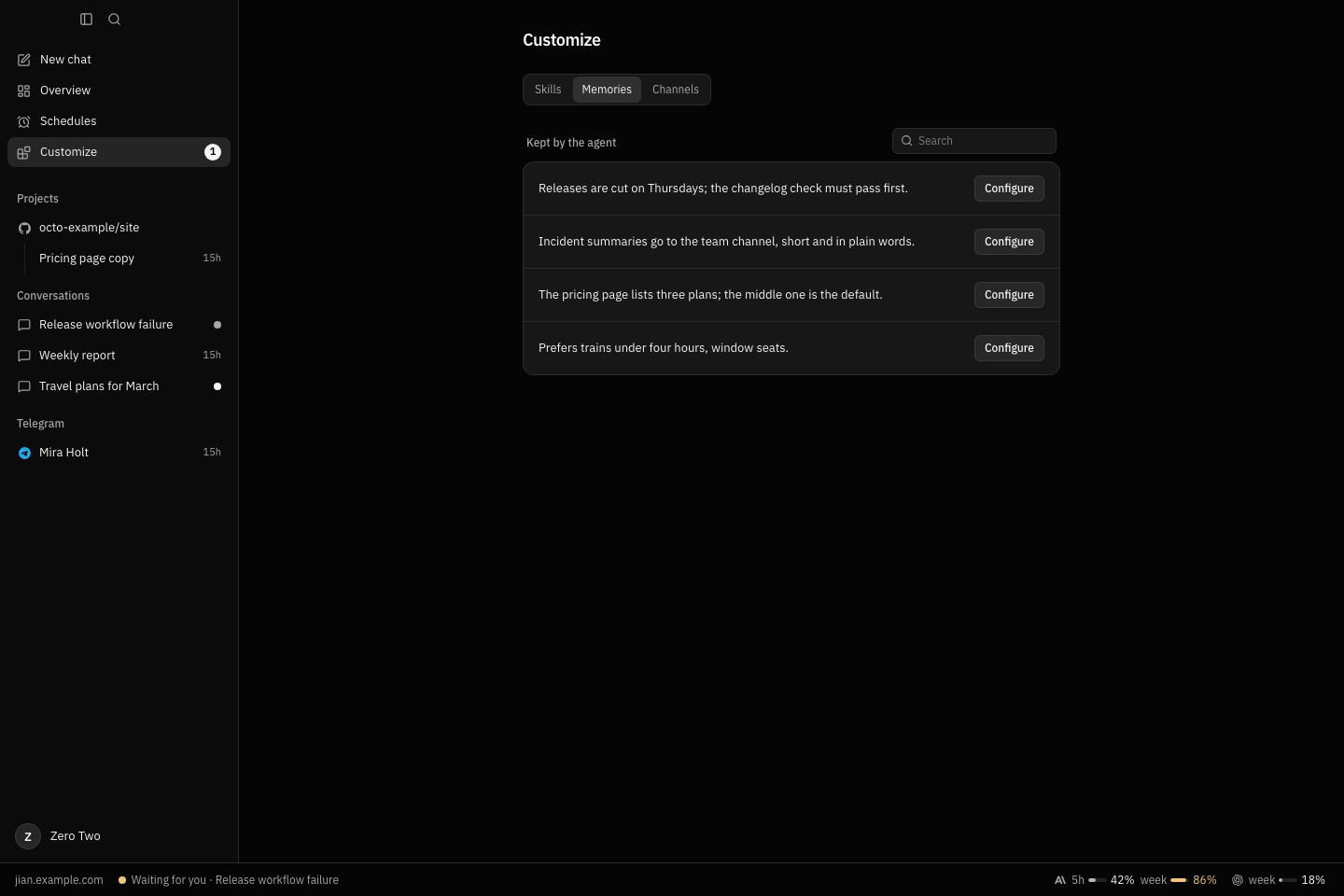
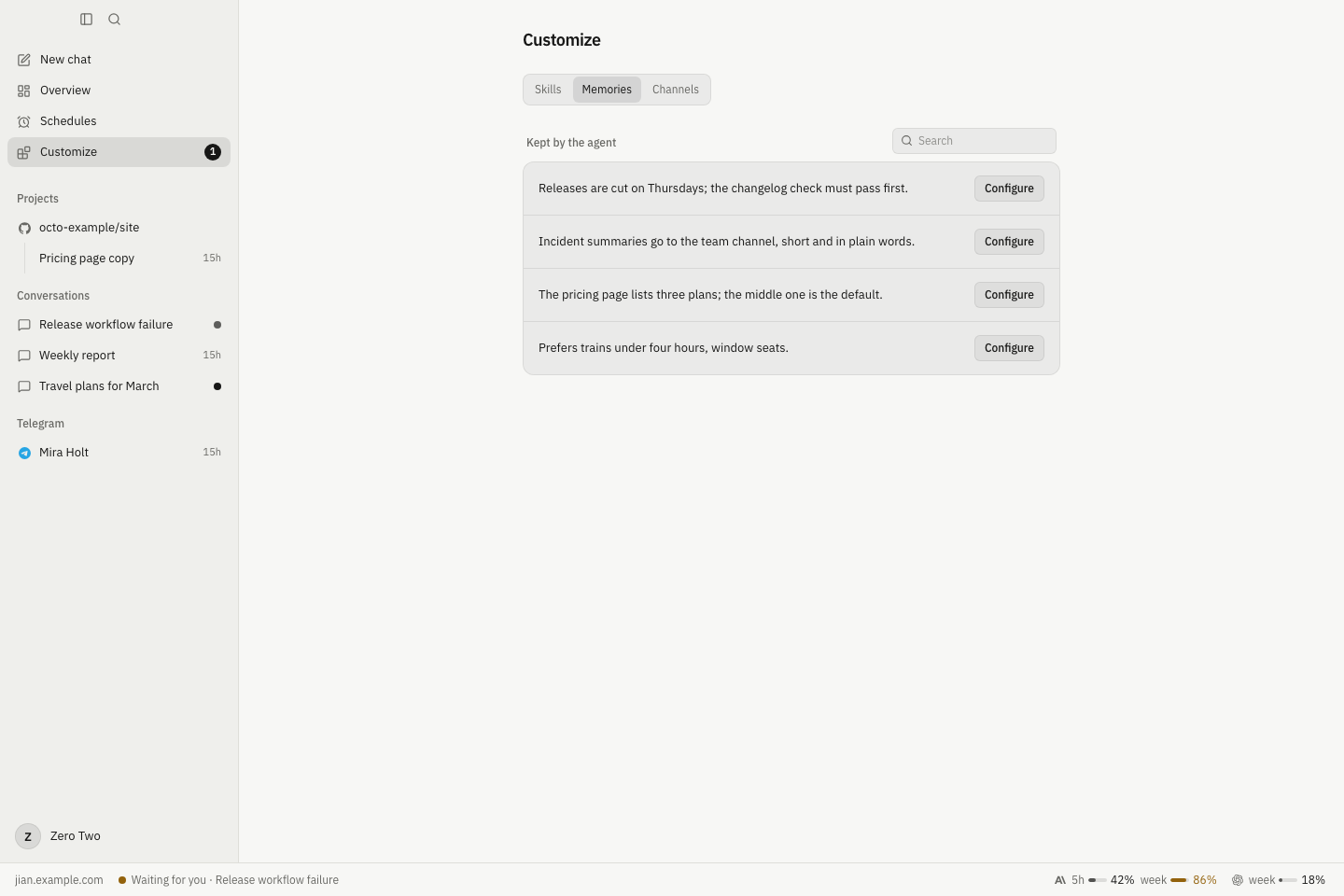
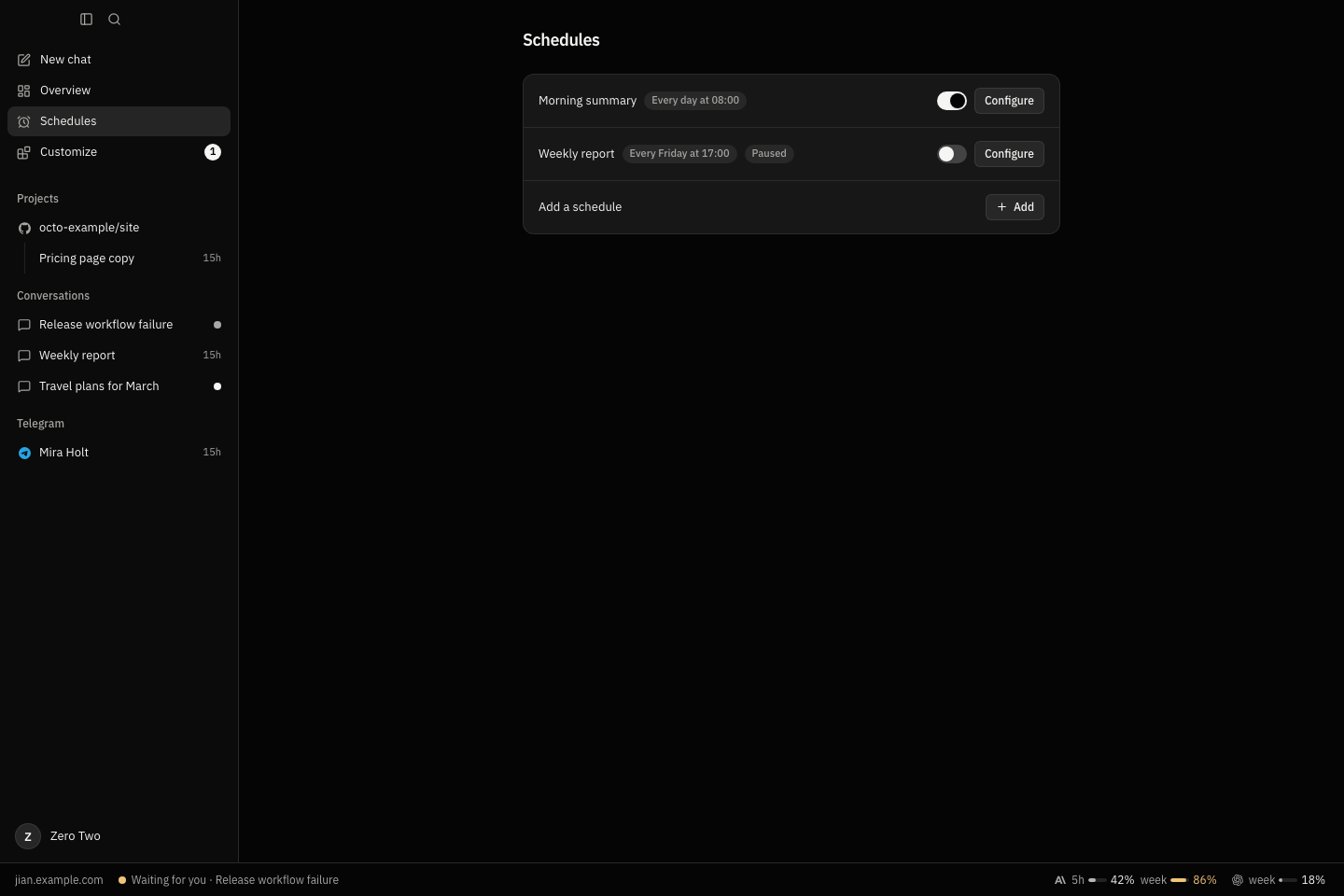
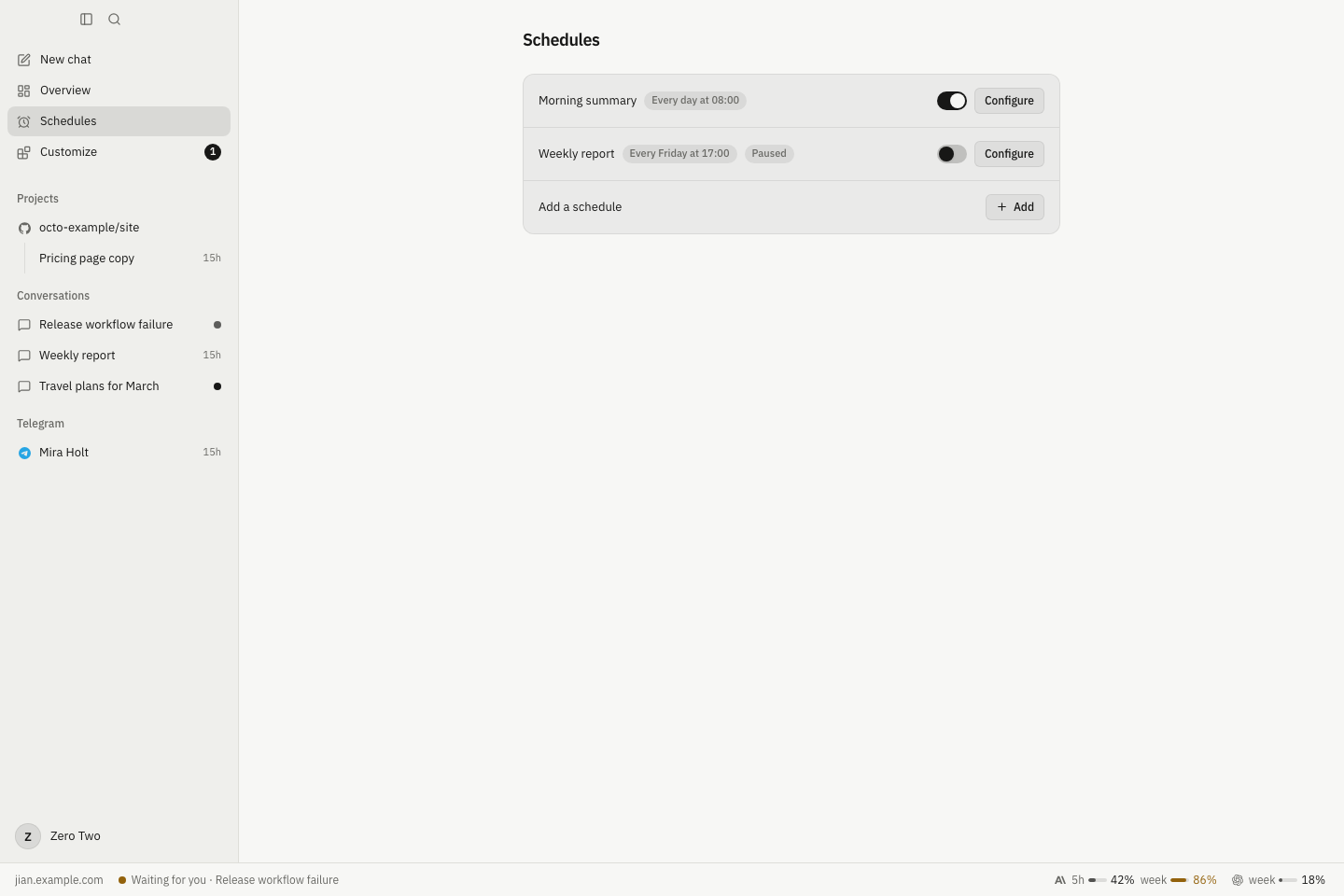
An agent with a name, a purpose, and a place to begin.
THE REAL JIAN INTERFACE · EXAMPLE DATA
01 / MORE THAN A CONVERSATION
Big ideas.
Everyday possibilities.
The research partner who keeps the thread. The developer who follows through. The assistant who gives you a little room to breathe.
CONTEXT THAT STAYS
Less explaining. More understanding.
Give your agent a purpose, instructions, and memories. It keeps the useful context, so the next conversation starts a little further along.
Make an agent your ownHANDS, AS WELL AS ANSWERS
A thought can become a finished task.
Read and edit files, run commands, work with GitHub, or use a connected computer. Bring your own tools through MCP.
See what it can doGOOD HABITS, ON REPEAT
Let the routine take care of itself.
A morning summary. A Friday report. Schedule instructions for your agent and choose the conversation where its work arrives.
Put work on a scheduleMeet you where you are
Use the desktop app or web panel. On a server gateway, bring your agent to WhatsApp, Telegram, or an API client.
Learn moreA purpose for every agent
Separate agents for separate parts of life. Each with its own identity, memories, skills, and conversations.
Learn moreYou set the boundaries
Choose a conversation’s protection. Inspect what your agent is doing, and approve external actions in Ask first.
Learn moreYOUR CHOICE OF INTELLIGENCE
Change the model.
Keep your world.
Your agent’s identity belongs to Jian, not to a model. Connect a provider once, choose models for your work, and keep your conversations in one place.
Explore model connectionsAnthropic
API key or Claude Code
OpenAI
API key or Codex
OpenRouter
A wider model catalog
Gemini
Google’s model family
xAI
Grok models
Your own endpoint
OpenAI-compatible servers
02 / A SMALL BEGINNING
From hello.
To whatever’s next.
Make yourself at home.
Download Jian. The desktop app starts its own local gateway, so there is no server to set up and no Jian account to create.
Bring your intelligence.
Connect a model provider or a supported subscription. You choose the model; your credentials stay in your gateway’s encrypted vault.
Give it a purpose.
A name, a few instructions, a starting preset. Meet your first agent and start a conversation. Make it more yours as you go.
No Jian account
No credit card
No server setup for desktop
03 / YOURS REALLY MEANS YOURS
A personal agent.
Not another subscription.
Jian is free and open source. The whole app. All the features. No paid tier to unlock the good parts.
Built in the openFree software. No Jian subscription.
- Every feature included
- Your choice of model provider
- Run on your computer or your server
- Apache 2.0 open-source license
Model usage and optional server hosting are separate. You pay your providers directly; Jian adds no markup.
Start on your computer. Run a server gateway when you want an always-on home for your agents and messaging channels.
Make it your infrastructureIs Jian really free?
Yes. Jian is free, open-source software under the Apache 2.0 license. There is no Jian subscription or paid feature tier. Model providers may charge for inference, and running a server can have hosting costs. Those are separate from Jian.
Do I need a server to get started?
No. The desktop app includes a local gateway and starts it for you. Install Jian, connect a model provider, and create an agent. You can connect external gateways later.
Can I use my Claude or Codex subscription?
Jian supports a Claude Code token and Codex sign-in, alongside API keys. Availability, usage limits, and permitted use are governed by your provider and plan. The connection guide explains the supported flows.
Does everything stay on my computer?
A local gateway keeps your agent data on your computer, and provider credentials are stored encrypted. When you use a cloud model or an external tool, the content it needs is sent to that service. Self-hosting gives you control over the gateway; it does not make a cloud model local.
What can an agent actually do?
Depending on the tools you enable, an agent can work with files and commands, use a connected computer, interact with GitHub, call MCP tools, remember useful context, and run scheduled tasks. Conversation protection controls when actions need your approval.
Can I talk to an agent on WhatsApp or Telegram?
Yes, through a server gateway. Connect a channel to an agent and approve the contacts you want to allow. Those conversations appear in Jian, alongside your other chats. Messaging channels are not part of the desktop’s built-in local gateway.
What about my phone?
A server gateway includes a responsive web panel you can open from your phone. The downloadable Jian app is for macOS, Windows, and Linux.